Press kit
Grux AI is a free, open source AI agent for macOS, built in Detroit by DotcomJack. It runs as a native app and gives one agent the things already on your Mac: mail, calendar, contacts, notes, documents, meetings, the window you are looking at, and a shell it can undo, because every command is snapshotted first. It ships 37 features and 116 tools behind one Command Panel. There is no Grux account, no Grux server and no subscription: it talks to a model you pay for directly, or to Grux Local, a model trained for Grux that runs on the Mac through Ollama with no key at all. Anything that reaches the network, deletes a file or spends money stops in Approvals and waits for a person. The current release is 3.2.0, published 1 November 2026, MIT licensed, for macOS 14 or later on Apple silicon, and the whole source tree is public.
Boilerplate. The paragraph above is the long form and may be quoted as is. The short form: Grux AI is a free, open source AI agent for Mac that runs on a local model, with no account and no server.
Facts
| Fact | Value |
|---|---|
| Name | Grux AI. The bundle is Grux.app; releases before 3.1 were titled Grux OS. |
| Current release | 3.2.0, released 1 November 2026. 3.0 shipped 29 September 2026, 3.1 shipped 17 October 2026. |
| Price | $0. MIT licensed, no account, no subscription. |
| Platform | macOS 14 or later, Apple silicon. No Intel build. |
| Download | Grux.dmg, 28.4 MB, signed with a Developer ID and notarized by Apple: the stable link, or brew install --cask dotcomjack/tap/grux. |
| Scope | 37 features, 25 core and 12 in Labs, and 116 tools the model can call. Every feature, one line each. |
| Local model | Grux Local, Apache-2.0, three sizes for 8, 16 and 24 GB Macs: gruxai.com/grux-local. |
| Source | github.com/dotcomjack/grux, MIT. The guardrails package is separate. |
| Maker | DotcomJack, Detroit, MI, shipping its own products since 2015. |
| Contact | Under Contact below: one address for press and partnership, one for security reports. |
The film
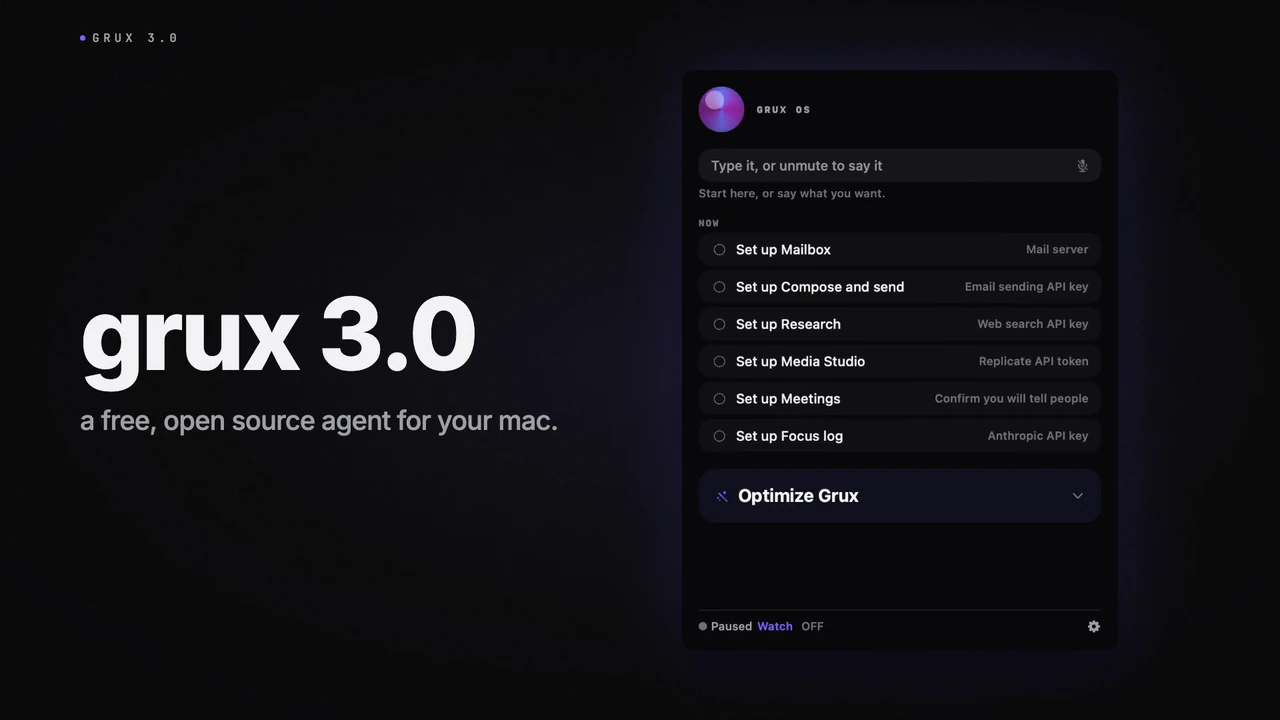
Grux AI 3.0 in one minute is the launch film: one Command Panel, a command decided on the Mac in about a millisecond, a workflow only you answer, and a change your own coding agent builds. It plays on the home page and the MP4 and its poster frame are in the table below.
Logo and share card

Use the mark on a dark ground. The palette is the app's own: base #0A0A0C, ink #F5F5F7, accent #7B61FF. Every file below is served from this site; link it or download it, and do not redraw the mark.
| File | What it is | Size | Pixels |
|---|---|---|---|
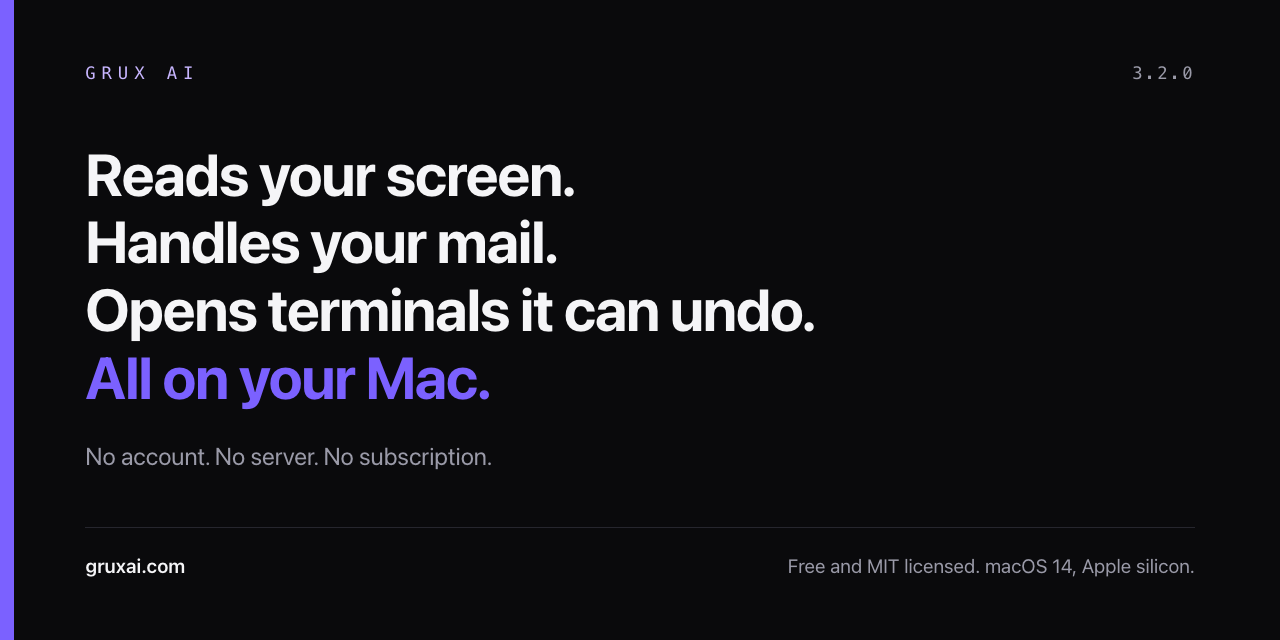
| og.png | Share card, PNG | 59 KB | 1200 x 630 |
| og-github.png | GitHub social preview, PNG | 61 KB | 1280 x 640 |
| apple-touch-icon.png | App mark, PNG | 6 KB | 180 x 180 |
| favicon.svg | App mark, SVG | 1 KB | |
| grux-3-launch-poster.webp | Film poster frame, WebP | 30 KB | 1280 x 720 |
| grux-3-launch.mp4 | The 3.0 launch film, one minute, with sound, MP4 | 5.7 MB | |
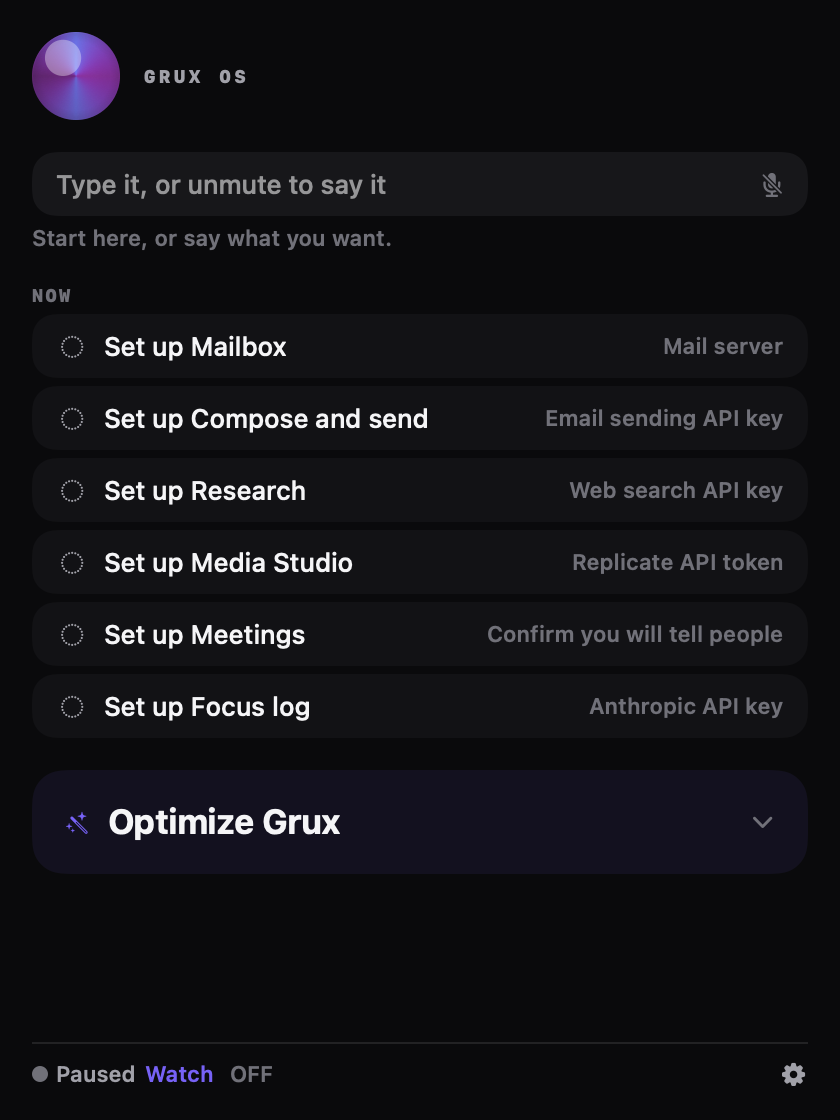
| shot-command-panel.webp | The Command Panel on a fresh install, WebP | 8 KB | 419 x 639 |


Contact
Press, partnership and anything else: jack@dotcomjack.com.
Security reports, which go to a separate inbox: security@gruxai.com.
Grux AI is a DotcomJack project, built in Detroit. DotcomJack has been building and shipping its own products since 2015, about a dozen of them today, and Grux is the tool built to run them.